
Internal tools development is the work of building software that your own employees use to run the business: dashboards, approval workflows, admin panels, ticketing systems, reconciliation screens and automations that sit between your databases and your people. The decision that matters most is not which framework to pick. It is whether the tool is a narrow utility that a platform can cover, or a piece of operational infrastructure that deserves a proper, owned foundation. This guide covers how to make that call, how to build the tool from requirements to rollout, which security controls to design in early, and how to keep the tool alive after launch.
TL;DR
- Internal tools are the software behind company operations: dashboards, workflows, databases and API-based automations that customers never see.
- Buy for commodity needs, use low-code for simple, low-risk apps, and build on a modular foundation when the workflow is specific to your business or touches money, audit trails or sensitive data.
- Gather requirements from the people who do the tedious work, ship a narrow first version, and design access control and logging in from day one.
- Most internal tools fail from lack of an owner, not lack of features. Name a maintainer and budget for technical debt before launch.
What counts as an internal tool
An internal tool is software that powers company operations behind the scenes, with dashboards, ticketing systems and API-based automations as typical examples. The audience is employees, contractors or partners, which changes the design priorities: speed of use, correctness of data and control over who can do what matter more than polish.
A few concrete cases show the range:
- Laboratory operations. The U.S. National Institute of Standards and Technology built NEMO in-house to manage equipment reservations and usage, control access to areas and tools, and streamline logistics and communication.
- Engineering workflow. Microsoft’s CodeFlow began as a homegrown code-review tool and became widely used internally, as documented in research on homegrown tools in a large software company.
- Finance and operations. Approval chains, invoice matching, ledger reconciliation, subscription billing administration and multi-currency reporting screens.
- Customer-facing teams. Back-office consoles for support agents, refund tools, account lookups, lightweight CRM views.
- Compliance. Audit viewers, access-review dashboards and evidence collection tools.
What these share is that they encode how one organization works. That is also why they rarely fit a generic product without compromise.
Why companies build their own
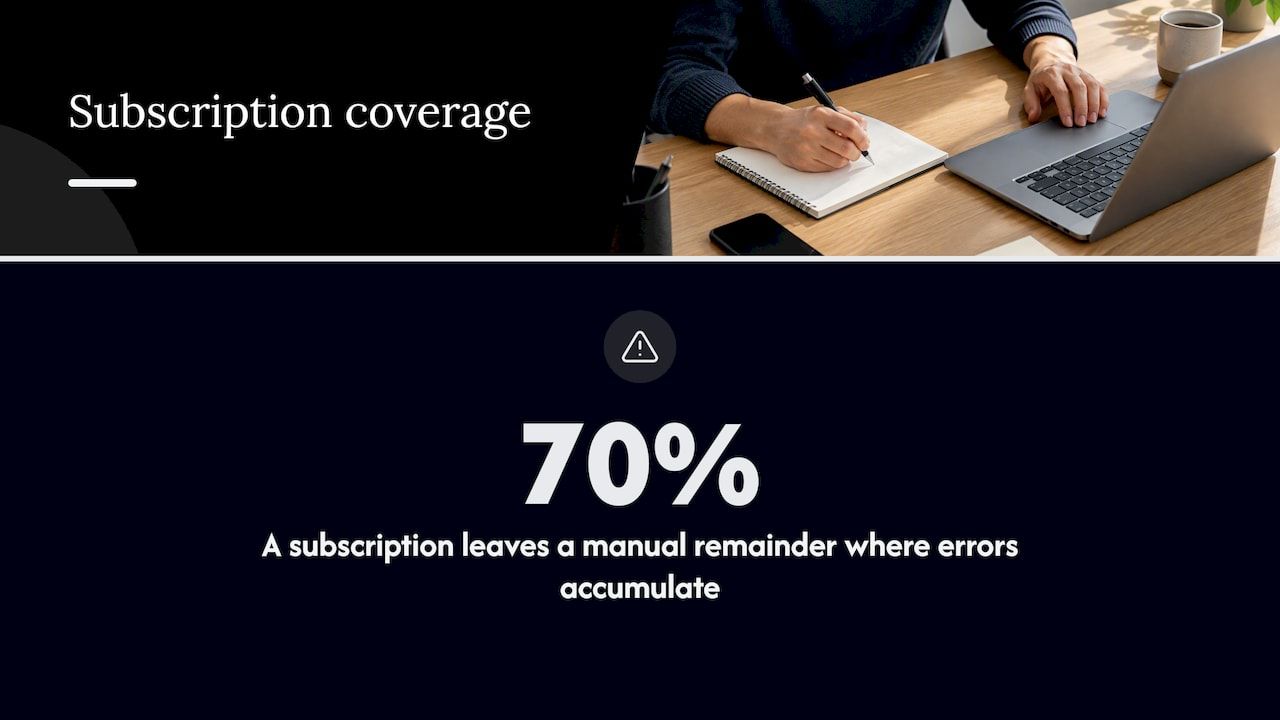
Teams build internal tools for workflows specific to how they operate, or to replace narrow point solutions. A subscription that handles 70% of a process leaves a manual remainder, usually a spreadsheet and someone’s memory, and that remainder is where errors and delays accumulate.
There is also a leverage argument. Internal tools can automate repetitive work and let frontline employees handle more volume. NIST’s own internal improvement projects, such as office automation and a virtual library, were aimed at improving information flow, staff communication and the time needed to retrieve and process information.
The Microsoft research adds a useful caution: developers often build such tools in response to local problems, sometimes without management knowing. Some spread widely and become integral to teams’ work. Good for the tool, risky for the organization, because a tool that becomes critical without an owner or a security review is a liability waiting for a bad day.
Technology teams weighing this today are often looking at AI-assisted workflows as well, where custom AI development for a specific operational process can outperform a generic product aimed at a broad market. The same logic applies to data entry and matching: ERP workflow automation shows how much routine operational work can be removed once the process is defined clearly. In both cases the first question is the same: is your process standard enough for a product, or specific enough to justify custom work?
Buy, low-code or custom: how to decide
There are three realistic starting points, and each moves risk to a different place.
| Approach | Strongest when | Main risk |
|---|---|---|
| Off-the-shelf software | The process is commodity (payroll, basic ticketing, standard CRM) | Workarounds pile up around a rigid product |
| Low-code or no-code platform | The app is simple, internal, low-risk and short-lived | Logic hidden in a black-box platform; limits on hosting, logic and portability |
| Custom build on a modular foundation | The workflow is specific, regulated or tied to money, identity or audit trails | Needs a clear scope and a competent delivery partner or team |
Five questions usually settle it.
- Is the workflow a differentiator or a utility? Utilities should be bought. Workflows that reflect how you win business deserve control.
- What happens when it breaks? A broken team dashboard is an inconvenience. A broken payment approval flow is an incident.
- Where must the data live? If policy or contracts require self-hosting, many hosted platforms are ruled out immediately.
- How many systems must it integrate with, and how deep? Shallow read-only integrations suit platforms. Bidirectional writes into financial or identity systems need engineered, testable code.
- Who will own it in two years? If the answer is nobody, buy something with a vendor attached.
Note what a greenfield custom build actually costs: boilerplate. Authentication, roles, audit logs, billing logic, notification plumbing and admin screens consume the first months of nearly every project and add nothing unique to your business. This is the real argument for starting from pre-built modules rather than from an empty repository, and it is the argument we return to later.
For a deeper look at avoiding long-term cost in custom projects, see our piece on building custom business software without long-term debt.
How to build an internal tool, step by step
The sequence below works whether you build in-house or with a partner.
1. Start with the tedious work
The research on homegrown tools suggests the most valuable ones come from developers’ direct experience of tedious tasks. Apply that to requirements: sit with the people who perform the process, watch it end to end, and list every spreadsheet, copy-paste step and manual check. Do not start from a feature wish list.
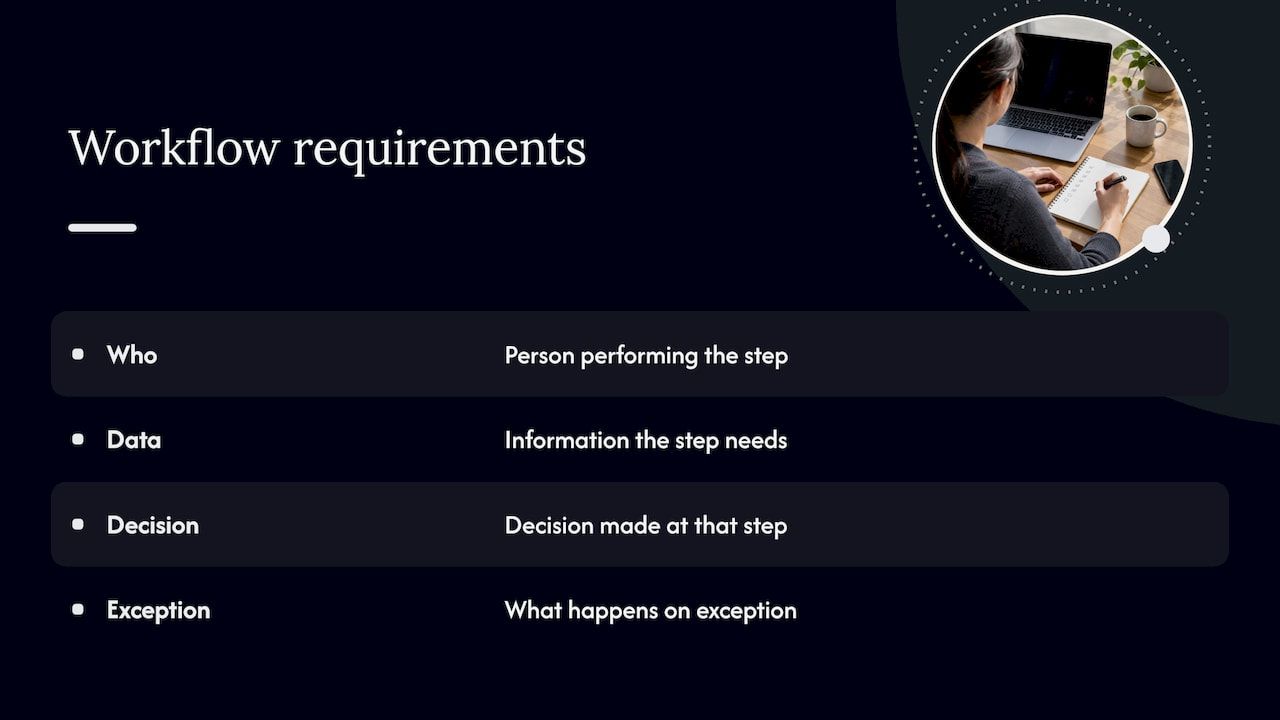
Record four things for each step: who does it, what data it needs, what decision is made, and what happens on exception. Exceptions are where internal tools earn their keep, and where interviews most often fall short.
2. Define the smallest useful first release
Pick one workflow and one user group. A first release that removes a single painful step and works reliably will get used. A broad release that does ten things adequately will be ignored. If you are unsure of the shape of the solution, a small MVP is the right vehicle for learning cheaply before committing to a larger program.
3. Map data, integrations and permissions
List every system the tool reads from or writes to. Internal tools can connect to internal databases and APIs or to third-party APIs, and webhooks can replace scheduled polling jobs, which keeps data fresher and infrastructure simpler. For each integration, decide the system of record, the failure behavior and who approves access.
Integration is also a governance question. Higher-education IT guidance recommends that IT security, IT risk and compliance, and IT leadership stakeholders take part in integration decisions, and that business needs and technical details be researched before deciding. The principle transfers to any organization.
4. Choose the architecture
Decide where it runs (your cloud, a vendor’s cloud, on-premises), how it authenticates (single sign-on against your identity provider is the default expectation), and how it will be deployed and rolled back. If the tool will eventually become a product for clients, make that decision now. Retrofitting multi-tenancy is expensive.
5. Build, review, test with real data
Work in short cycles and put working software in front of actual users every week or two. Test with realistic data volumes and real exception cases, not tidy samples. For anything touching money, include reconciliation checks that prove totals match across systems.
6. Deploy, train, and measure
Roll out to a pilot group, collect friction points, fix them, then expand. Track whether the old manual process actually stops. If people keep the spreadsheet alongside the tool, the tool is not finished.
Security, access control and auditability
Internal does not mean safe. Internal tools often hold the most sensitive data in the company and carry powerful actions such as refunds, user changes and data exports. The University of California Office of the President’s systemwide standard offers a clear, public example of what a mature requirement set looks like. It calls for appropriate security controls, least-privilege request and approval processes, auditing features and regular review of security logs, and it requires encryption in transit and at rest for information at Protection Level 3 or higher.
The same standard asks designers to build security into architectural layers rather than assume applications are secure by default, and to use a unique service-account credential for each logical system component. Both are cheap to do at the start and painful to retrofit.
A practical baseline for any internal tool:
- Single sign-on and role-based access. Every action tied to a named identity. No shared logins.
- Least privilege. Start users with read access, require approval for write and administrative rights, and review them on a schedule.
- An audit trail by design. Define mandatory logged events up front (privilege changes, exports, financial approvals, deletions), restrict who can read or alter the logs, and review them regularly.
- Consistent standards across the tool set. If each team logs differently, tracing an incident across systems becomes guesswork. Shared libraries or a common foundation prevent this.
- Secrets management. Credentials out of code, rotated, scoped per component.
- Authenticated, encrypted integrations. Never pass sensitive data over unauthenticated internal links just because they are internal.
For regulated sectors such as lending, payments or crypto settlement, auditability is a product requirement, not an add-on. If your use case involves it, financial modules with built-in audit, multi-currency handling and subscription logic are a stronger starting point than rebuilding that logic from scratch.
Adoption and maintenance: where tools succeed or die
The build is the easy part. The Microsoft research found that adoption grew when a tool addressed tedious work, was demonstrated and shared with other teams, and let users contribute features and bug fixes. CodeFlow later received a small full-time team to maintain and improve it. That arc is instructive: success led to dedicated ownership.
Plan for it from the start:
- Name an owner. An unowned internal tool decays faster than a bought one. Put a person, not a team alias, on the hook for fixes and roadmap.
- Treat users as customers. Collect feedback, publish release notes, show improvements.
- Budget for technical debt. The same source reports that CIO estimates put technical debt at 20 to 40% of a technology estate’s value. Reserve a fixed share of every quarter for upgrades and cleanup.
- Document the business rules. The rules embedded in code (approval thresholds, exception handling) are institutional knowledge. Keep them readable.
- Measure adoption. Active users, tasks completed in the tool versus outside it, and time per task. Retire what nobody uses.
Our perspective
We see the same pattern in most internal tool projects. The first 60% of the work is not about your business at all. It is user management, permissions, audit logs, workflow engines, billing, notifications and integration plumbing. Teams that rebuild it each time spend their budget on boilerplate and then run short of money for the part that is genuinely theirs.
We also see the opposite failure. Platforms that promise speed can relocate complexity into the vendor relationship: logic you cannot inspect, hosting you cannot choose and costs that scale with seats rather than value. That is acceptable for a small, disposable app. It is a poor bet for a system that handles payments, compliance evidence or customer data.
Our position is a modular foundation. Start with pre-built, production-tested components for the common layers, so that a project can begin with up to 60% of the baseline system already in place. Then spend engineering time on the workflows that make your company different. Keep the code and the hosting under your control, including self-hosted options, so that the system stays maintainable after we are gone. Accelerate work without accelerating chaos: that means clear scope, small releases, security designed in, and an owner on your side from the first week.
This is not the right answer for every case. If an off-the-shelf product covers the process, buy it. If you need a simple form on top of a spreadsheet, a low-code tool will do. We are the right fit when the tool is operationally important and specific to you.
— Bitecode
Where Bitecode fits
If your internal tool touches finance, automation, AI or blockchain settlement, or if it is meant to grow into a SaaS product, we can help you scope and build it. Our custom business software service starts from modular components such as an AI assistant, financial, automation, CRM and token modules, and our workflow automation work covers approvals and process orchestration. Teams that want to test an idea first can begin with a small MVP and expand once it has proved itself.
To discuss your project, start at bitecode.tech. For background reading on structuring workflows before you build, see our guide to enterprise system design workflow for IT leaders.
FAQ
What are examples of internal tools?
Common examples include admin panels, reporting dashboards, approval workflows, ticketing systems, customer lookup consoles, reconciliation screens and API-based automations. Larger organizations also build tools for reservations and access control, such as NIST’s NEMO system, or for code review, such as Microsoft’s CodeFlow.
Should we build internal tools or buy software?
Buy when the process is standard and a product covers most of it. Build when the workflow is specific to your business, handles money or sensitive data, or must meet hosting and audit requirements a product cannot. A modular foundation lets you build without starting from an empty repository.
How long does it take to build an internal tool?
It depends on scope, integrations and compliance needs. A narrow first release for one workflow and one user group is far quicker than a broad platform. Starting from pre-built modules removes much of the groundwork, which is why we recommend a small MVP before a larger program.
What security controls does an internal tool need?
At minimum: single sign-on, role-based access with least privilege, encryption in transit and at rest for sensitive data, unique service credentials per component, and an audit log with restricted access and regular review. The University of California systemwide standard is a good public reference for these controls.
Why do internal tools fail?
Usually because nobody owns them. They solve a problem no one actually has, skip the pilot, or decay once the original builder moves on. Name a maintainer, treat employees as customers and budget for technical debt.
Sources
- One Prompt, Zero Engineers: Your New Internal Dev (a16z)
- NEMO: Hardware Accessories (NIST)
- Build it yourself! Homegrown Tools in a Large Software Company (Smith, Bird, Zimmermann)
- MSIDs Continuous Improvement Activities (NIST)
- How to Build an Internal Tool Instead of Buying Another Point Solution
- Systemwide IT Policy: Secure Software Configuration Standard (UCOP)
- Third-Party Integrations: Governance and Process Guide (EDUCAUSE)


