
A custom internal system earns its cost when workflows are distinctive enough, or integration gaps deep enough, that packaged software forces constant workarounds. Done well, it replaces spreadsheets and disconnected tools with unified data, automated approvals, and fewer manual handoffs. Before committing, teams still need to work through security posture, integration scope, and a clear build-versus-buy analysis, which the sections below cover in order.
TL;DR:
- Custom internal systems are cost-effective only when workflows or integration gaps are significant enough to outweigh the expense of building or maintaining a tailored solution.
- These systems typically involve complex integrations with ERP, CRM, HRIS, and payment platforms, requiring a well-defined canonical data model to avoid ambiguities and reduce build time.
- A structured development lifecycle from discovery through operations ensures predictable delivery and minimizes schedule slippage caused by unresolved API or data ownership issues.
- Security and governance must be integrated from the start, including role-based access, audit logging, vulnerability scanning, and clear ownership of AI prompts and configurations.
- Using modular foundations and pre-built components can shorten development time, focusing custom effort on unique workflows rather than re-implementing standard functions.
What Are the Core Benefits and Use Cases of Custom Internal Systems?
Most organizations don’t need custom software until the spreadsheet count on a shared drive starts multiplying. That’s usually the tell. Once three departments maintain three versions of the same customer list, or an approval chain lives in email threads instead of a system of record, manual reconciliation becomes the real cost center. Custom internal systems fix this by consolidating scattered data into one source of truth and automating the handoffs that used to require someone remembering to forward a file.
The gains show up in specific, recurring use cases rather than abstract efficiency claims. Common examples include:
- Internal CRM tools built around a sales process that generic CRM software forces into the wrong shape.
- Quoting and order management systems that pull pricing rules and inventory data into one workflow.
- Onboarding portals that replace paper checklists with tracked, auditable steps for new hires or new clients.
- Inventory and field-service apps that sync warehouse counts with technician schedules in real time.
- Approval and exception workflows that route decisions automatically instead of stalling in someone’s inbox.
Organizations that replace fragmented spreadsheets with a purpose-built internal system typically sees improvements in throughput, cycle time, error rate, and reporting accuracy, because the same data structure feeds every report instead of three slightly different exports.
What Integrations Should You Expect (ERP, CRM, HRIS, Payments)?
A custom internal system rarely lives alone. It sits between the tools a company already runs and the workflows it wants to automate, which means integration architecture matters as much as the interface. API-first design, with clear connector patterns and a canonical data model, determines whether adding a new integration next year takes days or months.
Expect the build to touch several categories of external systems:
- ERP platforms for financial and operational data that other modules need to reference.
- CRM systems when the internal tool needs customer context without duplicating records.
- HRIS platforms for employee data feeding onboarding or approval workflows.
- Identity providers for single sign-on, so access control doesn’t live in a separate silo.
- Payment processors for any workflow that touches invoicing, refunds, or subscriptions.
- Analytics tools that need a clean, consistent data feed rather than raw exports.
Low-code frameworks and AI assistant modules accelerate this work by pre-wiring common connector logic, and they leave extension points open for future automation agents rather than locking the architecture to a single vendor. Vendor-neutral design and governance matter here specifically because agentic AI components tend to sprawl without a registry tracking what each agent touches.
Pro Tip: Ask any vendor to show you the canonical data model before development starts. If a field like “customer status” has three different meanings across your ERP, CRM, and support tool, that ambiguity needs to be resolved on paper, not discovered mid-build.
What Does the Custom Development Lifecycle Look Like?
A dependable delivery roadmap moves through distinct phases, each with its own deliverables and sign-off points. Skipping a phase to save time almost always resurfaces the skipped work later, usually at a worse moment.
- Discovery. User interviews, workflow mapping, documented acceptance criteria, and a full inventory of systems that need integration. This is where field ownership, sync direction, and duplicate-handling rules get decided, not guessed at later.
- Architectural blueprint. A decision between a modular monolith or microservices, clear data ownership boundaries, and a migration plan for existing records.
- Iterative development. Staged builds with regular demo checkpoints, so stakeholders see progress instead of waiting for a single reveal at the end.
- Validation. Acceptance testing against the criteria set during discovery, plus data migration rehearsals before anything touches production.
- Deployment and handover. Go-live, paired with runbook documentation so internal teams know how to operate the system without calling the developer for every question.
- Operations. Ongoing maintenance, whether through a retainer arrangement or an internal team taking over, with clear escalation paths defined in advance.
Settling integration questions during discovery, rather than during the build, is one of the more reliable ways to avoid schedule slippage tied to unresolved API decisions.
What Security and Governance Controls Should Be Built In?
Security bolted onto a finished internal system almost always costs more than security designed into it. The NIST Secure Software Development Framework organizes this work into four outcome-focused groups: Prepare the Organization, Protect the Software, Produce Well-Secured Software, and Respond to Vulnerabilities. Treat these as procurement language, not just engineering jargon.
Concrete controls worth requiring in any custom build include:
- Role-based access control with least-privilege defaults, not broad admin access granted for convenience.
- Audit logging on every sensitive action, so changes to financial or customer data are traceable.
- Dependency and vulnerability scanning on a defined cadence, not an ad hoc basis.
- Backup and disaster recovery procedures tested, not just documented.
- A written incident response plan naming who does what when something goes wrong.
Buyers should evaluate a vendor’s pipeline, dependency management practices, and remediation cadence, since a system that’s secure today can drift out of that state within months if nobody’s watching. Ask for the vendor’s security policy, evidence of dependency scan frequency, any recent penetration test reports, and stated remediation SLAs before signing anything. Bitecode’s own approach to security across the SDLC reflects this same Prepare, Protect, Produce, Respond framing.
Should You Build, Buy, or Blend Your Internal Systems?
The decision isn’t binary, and treating it that way leads to either overbuilding commodity functions or underbuilding the ones that actually differentiate the business. Gartner frames build-versus-buy as a multidimensional call, weighing business value, delivery speed, total cost of ownership, internal skills, support burden, and vendor lock-in together rather than picking one factor and ignoring the rest.
A few patterns hold up consistently:
- Buy commodity capabilities like payroll processing or standard financial reporting, where every competitor uses roughly the same function.
- Build workflows tied to competitive advantage, like a proprietary quoting logic or a service model no packaged tool anticipates.
- Blend when needed, using custom connectors or selective modules on top of packaged software to close specific gaps without a full rebuild.
Packaged AI agents and RAG tools follow the same logic: buy the commodity automation, build the piece that creates real differentiation.
What Should Be on Your Vendor-Selection Checklist?
A procurement checklist protects against the two most common regrets in custom software: paying for scope that was never agreed to, and discovering after launch that the vendor, not the client, controls the finished product.
- Require signed discovery deliverables. Workflow maps and acceptance criteria should exist on paper before development begins, not get reverse-engineered from what shipped.
- Clarify ownership up front. Source code, data exports, deployment credentials, AI prompts and agent configurations, and any third-party licenses need explicit transfer and exit terms in the contract, not a verbal assurance.
- Define operational expectations. Monitoring coverage, incident response SLAs, vulnerability remediation timelines, backup frequency, and documentation standards all belong in writing.
- Confirm training and handover artifacts. Runbooks, admin guides, and a defined training window for internal staff should be part of the deliverable, not an afterthought.
Ownership terms should be contractual, covering exactly who holds the keys to code, data, and infrastructure once the engagement ends.
Pro Tip: Ask specifically who owns the AI prompts and agent configurations if the system includes automation modules. This detail gets missed more often than source code ownership, and it matters just as much if you ever switch vendors.
How Do You Manage Change and Train Users After Deployment?
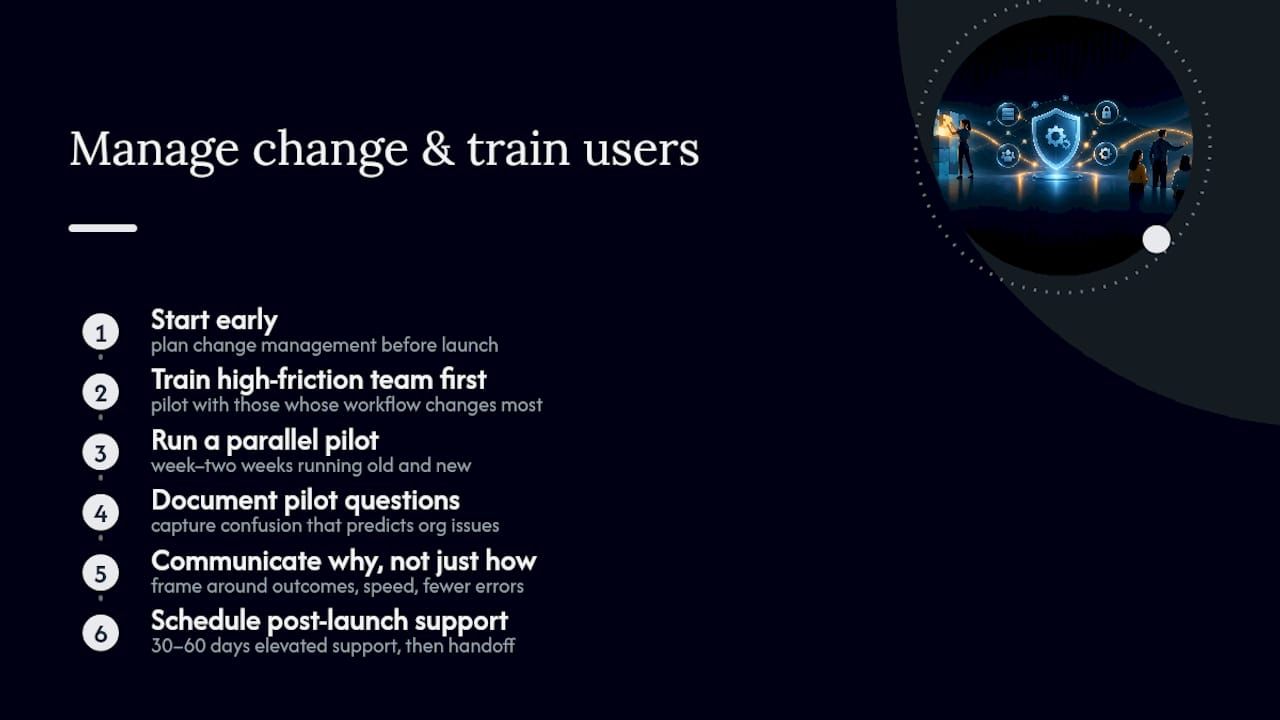
The best-built internal system fails if the people using it revert to their old spreadsheet within a month. Change management deserves the same planning rigor as the technical build, and it needs to start well before launch day.
Begin training with the people who’ll feel the most friction first, usually the team whose daily workflow changes the most. A short pilot group, running the new system alongside the old one for a week or two, surfaces confusion points before the full rollout hits everyone at once. Document the pilot’s questions; they usually predict what the rest of the organization will ask.
Communication matters more than most teams expect. Staff need to understand not just how to click through the new interface, but why the old process is going away. A system that automates an approval chain someone previously controlled manually can feel like a loss of authority if nobody explains the reasoning. Framing the change around outcomes, faster turnaround, fewer errors, less manual reconciliation, tends to land better than framing it around the software itself.
Post-launch support should be scheduled, not improvised. A defined window of elevated support, say the first thirty to sixty days, catches adoption problems while they’re still cheap to fix. After that window, a lighter-touch retainer or internal ownership model can take over. Training materials should live somewhere permanent, an internal wiki or shared drive, rather than existing only as a memory of the initial training session. Six months later, a new hire will need that documentation just as much as the original team did on day one.
How Should You Approach Data Migration From Legacy Systems?
Data migration is where custom system projects most often run into trouble that nobody predicted at kickoff. The technical challenge is rarely moving the data itself; it’s deciding what the data actually means once it lands in a new structure.
Start by auditing what exists before deciding what to move. Legacy systems accumulate years of inconsistent entries, duplicate customer records, abandoned fields nobody remembers the purpose of, and data formats that changed halfway through the system’s life. Migrating all of it verbatim just relocates the mess into a cleaner-looking interface. A better approach separates active, business-critical data from historical records that need archiving but not active use.
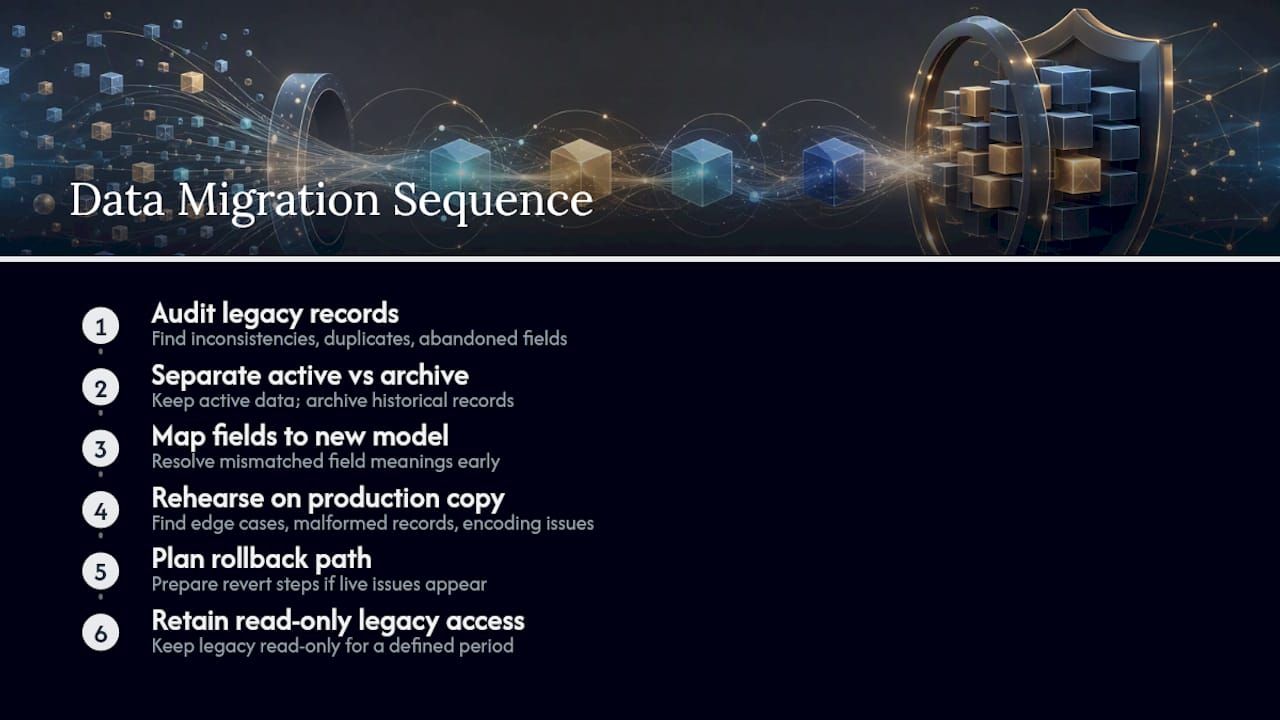
Field mapping deserves particular attention, because the same concept often means different things across systems. A “customer status” field in an old CRM might not align cleanly with how the new system categorizes accounts. Resolving these mismatches during discovery, rather than during the migration itself, prevents the kind of dispute where two teams discover mid-project that they’ve been describing different things with the same word.
Run a migration rehearsal against a copy of production data before the real cutover. This surfaces edge cases, malformed records, orphaned references, encoding issues, while there’s still time to fix them without downtime pressure. Plan for a rollback path too. Even a well-tested migration benefits from the ability to revert if something surfaces in the first days of live use that the rehearsal missed. Keep the legacy system accessible in read-only mode for a defined period after cutover, so nobody is stuck if a historical record needs to be checked and the new system hasn’t caught up on that particular edge case yet.
Why Bitecode Builds From Modular Foundations, Not Blank Slates
Starting a custom internal system from a completely blank codebase puts unnecessary engineering hours into solving problems other teams have already solved. An approach starting from pre-built modules for AI automation, financial processing, CRM workflows, and blockchain integration where relevant can cut early-stage engineering risk without forcing a generic template onto a distinctive workflow.
AI and automation modules get embedded where they genuinely speed up handoffs, an approval routing rule or a document processing step, rather than added as a feature for its own sake; using tools like structured data and schema work ensures these AI modules integrate cleanly and remain auditable. That distinction matters more than it sounds: an automation module bolted onto a workflow it doesn’t fit tends to create more manual override work than it saves.
The modular starting point doesn’t replace discovery. It changes what discovery decides, focusing effort on the 40 percent of the system that’s genuinely unique to a business instead of rebuilding the 60 percent that isn’t.
— Bitecode
How Bitecode Can Help You Build the Right System
Custom software development can work across the full range, from a small MVP meant to validate a workflow quickly to larger software development projects that touch multiple departments and integrations. A modular foundation can include AI automation, financial processing, CRM functionality, and blockchain modules as starting components rather than features built from zero, with both self-hosted and cloud deployment options considered depending on ownership requirements.
If a workflow gap or integration headache has been costing your team hours every week, the practical next step is a scoped discovery call rather than a guess at scope from a sales deck. Bitecode’s custom business software services page covers how that discovery process works, and it’s worth requesting security posture and data ownership terms in writing before any build begins. For workflows heavy on automation or AI, the automation workflow services page details what’s already pre-built versus what gets scoped fresh. Start with a conversation about what your current systems can’t do, and let that shape the architecture from there.
Sources
For deeper procurement and architecture guidance, review NIST’s Secure Software Development Framework, Gartner’s build-versus-buy principles, and research on agentic AI architecture. Bitecode’s enterprise system design workflow guide offers additional scoping detail for IT leaders.
- Build vs Buy Strategy: Top Principles for Enterprise Applications
- Secure Software Development Framework | CSRC
- Guidelines for API protection and cloud-native systems (NIST)
FAQ
What Is a Custom Internal System, and How Does It Differ From a CRM?
A custom internal system is software built around a specific organization’s workflows, data structures, and integration needs, rather than a generic tool adapted to fit. A CRM is one common example of what gets built or bought, typically to manage customer relationships, sales pipelines, and communication history, but a custom internal system can encompass CRM functionality plus quoting, inventory, and approval workflows in one unified platform.
What Are the Three Main Types of CRM Systems?
CRM platforms generally fall into three categories: operational CRM, which manages day-to-day sales, marketing, and service processes; analytical CRM, which focuses on analyzing customer data for insights; and collaborative CRM, which centers on sharing customer information across departments. A custom internal system can incorporate elements of all three within a single tailored workflow instead of forcing a business to adopt three separate tools.
How Long Does It Take to Build a Custom Internal System?
Timelines vary significantly based on integration complexity and the number of workflows involved, ranging from a few weeks for a small MVP to several months for a larger, multi-department system. Starting from pre-built modules for common functions like AI automation or financial processing, an approach Bitecode uses, tends to shorten the build phase compared to starting from a blank codebase.
Should a Small Business Buy Software or Build a Custom System?
Most small businesses should buy packaged software for commodity functions like payroll or standard accounting, and reserve custom development for workflows that create real competitive differentiation. The right mix depends on internal skills, support capacity, and how distinctive the underlying workflow actually is, which is why a blended approach often works better than an all-or-nothing decision.
What Does Bitecode Charge for a Custom Internal System?
Pricing depends on project scope, from a small MVP to larger enterprise builds, and current rates are available directly on Bitecode’s site. A discovery conversation is the fastest way to get a scoped estimate tied to your specific workflows and integration requirements.


