
Selecting custom business software is one of the most consequential decisions an IT manager will make, and the margin for error is narrow. Poor vendor fit, underspecified automation requirements, and skipped proof-of-concept stages have derailed projects across every industry. A Gartner study found that more than 70% of enterprise software projects fail to deliver expected value within the first two years. The difference between a successful deployment and an expensive misfire usually comes down to process rigor, not budget size. This guide walks through a structured, checklist-driven approach to selecting custom business software, covering requirements definition, vendor scanning, evaluation, and contract negotiation.
Key Takeaways
| Point | Details |
|---|---|
| Start with clear requirements | Defining business needs, functional scope, and integration requirements is the foundation of successful software selection. |
| Shortlist vendors smartly | Scan the market, use scenario-based RFPs, and include niche automation-focused vendors for best-fit solutions. |
| Test with demos and PoC | Scripted demos and proof-of-concept validate vendor claims and reveal real-world performance. |
| Model all costs accurately | Total cost of ownership—including licenses, setup, integration, run costs—helps justify your final decision. |
| Checklists reduce bias | A structured checklist process protects your team from intuition-driven mistakes and common selection pitfalls. |
Define mandate, scope, and requirements
Every successful software selection starts well before the first vendor conversation. The structured enterprise software selection process begins with defining mandate, scope, governance, current state analysis, future-state design, and detailed requirements. Skipping any of these steps relocates complexity into the vendor relationship, where it becomes far more expensive to resolve.
Here is a step-by-step framework for this phase:
- Define the business mandate. What problem are you solving, and who owns the outcome? Document the strategic driver, whether it is operational efficiency, regulatory compliance, or revenue growth.
- Establish scope and governance. Identify which business units are in scope, who has decision authority, and how conflicts will be resolved. A governance gap at this stage creates scope creep later.
- Analyze the current state. Map existing workflows, systems, and integration points. Understand where manual processes exist and where automation could reduce friction.
- Design the future state. Define what success looks like operationally. This is where automation requirements become concrete, not aspirational.
- Capture detailed requirements. Break these into four categories: functional (what the system must do), technical (performance, security, infrastructure), integration (APIs, data flows, third-party systems), and non-functional (scalability, uptime, compliance).
- Prioritize ruthlessly. Label each requirement as must-have, should-have, or nice-to-have. This prevents vendor demos from distorting your evaluation.
Automation and data flow requirements deserve special attention at this stage. Teams that treat automation as a secondary feature often discover mid-implementation that the chosen platform cannot support the workflow logic they need. Capturing these requirements early, with specifics about trigger conditions, exception handling, and integration touchpoints, saves significant rework. For a deeper look at what this process involves, the custom business software process at Bitecode.tech offers a practical reference. You can also cross-reference your requirements list against a software quality checklist to ensure nothing critical is missed.
Pro Tip: Assign a requirements owner from both IT and the business side. Requirements documented by IT alone often miss operational nuances that become costly change requests after go-live.
Scan the market and shortlist vendors
With requirements in hand, the next step is structured market scanning. The goal is not to find the most popular vendor. It is to find the vendor whose capabilities best match your documented requirements.
Effective market scanning uses multiple input sources:
- Analyst reports (Gartner Magic Quadrant, Forrester Wave) for broad market orientation
- Peer references from organizations with similar scale and industry context
- Niche vendor research through communities, LinkedIn groups, and specialized directories
- Internal IT knowledge from teams who have evaluated adjacent systems
A structured market scan, RFI, and RFP process using scripted demos with real data and PoC for high-risk selections gives teams a repeatable, defensible shortlist. The RFI (Request for Information) stage filters vendors on basic capability fit before investing time in deeper evaluation. Keep the RFI focused on your top ten requirements, not a generic capability survey.

When comparing vendors on automation and integration, a structured table prevents the common mistake of comparing features that sound similar but behave differently.
| Evaluation criterion | Vendor A | Vendor B | Vendor C |
|---|---|---|---|
| Native workflow automation | Yes | Partial | Yes |
| API-first integration | Yes | No | Yes |
| Pre-built connectors | 200+ | 50 | 150 |
| Low-code customization | Yes | Yes | No |
| AI/ML automation modules | Yes | No | Partial |
Shortlisting based on requirements rather than reputation is a discipline that pays off. A well-known vendor with poor integration architecture will cost more to implement than a niche vendor whose data model aligns with your future-state design. Understanding the types of software houses available in the market helps teams make more informed decisions about whether a platform vendor, a custom development partner, or a hybrid approach best fits their needs.
Target a shortlist of three to five vendors. More than five creates evaluation fatigue and dilutes the quality of your assessment.
Scripted demos, PoC, and vendor evaluation
Shortlisting alone is not enough. Rigorous hands-on evaluation is where weak vendors are separated from credible ones.
Here is how to structure this phase:
- Build a demo script using real scenarios. Do not let vendors run their standard pitch. Provide your own use cases, ideally drawn from your current-state analysis, and ask vendors to demonstrate those specifically.
- Define must-win scenarios. These are the two or three critical workflows where failure is not acceptable. Every vendor must pass these before advancing.
- Run a PoC for high-risk selections. PoC for high-risk selections, combined with total cost of ownership modeling and contract negotiation with SLAs and security protections, is the standard for mission-critical deployments. A PoC using your actual data and integration environment reveals issues that no demo can surface.
- Check references carefully. Ask for references from organizations with similar complexity, not just satisfied customers. Ask specifically about automation reliability, integration stability, and vendor responsiveness during incidents.
- Evaluate the vendor’s team, not just the product. The people who will implement and support your system matter as much as the platform itself.
“Define must-win scenarios for demos and PoCs. Watch for red flags like demo magic, poor references, and split IT/business decisions.” This guidance from the enterprise software selection playbook reflects a hard truth: vendors who cannot demonstrate your scenarios with your data are telling you something important.
Demo magic is a real risk. Vendors often pre-configure environments that make complex workflows look effortless. Insisting on live configuration changes during the demo, or providing data that was not shared in advance, quickly separates polished presentations from genuine capability. For guidance on evaluating partners rigorously, the choosing software partners framework and automation best practices are both worth reviewing before your evaluation sessions.
Pro Tip: Record all demos with vendor consent. Evaluation teams often remember different things, and recordings prevent post-evaluation disputes about what was actually demonstrated.
Model costs, contracts, and final decision
Evaluation is only half the work. The business impact of your choice depends on accurate cost modeling and contract terms that protect your organization.
TCO modeling, which covers licenses, implementation, integration, change, and run costs, combined with business case benefits quantification and contract negotiation with SLAs and security protections, forms the financial backbone of the final decision.
Here is a breakdown of TCO components teams often underestimate:
| Cost category | What to include |
|---|---|
| License fees | Per-user, per-module, and usage-based pricing |
| Implementation | Configuration, data migration, training |
| Integration | API development, middleware, ongoing maintenance |
| Change management | Internal resources, process redesign, communications |
| Run costs | Support contracts, infrastructure, upgrade cycles |
Key contract provisions to negotiate:
- SLA terms with specific uptime guarantees and financial penalties for breaches
- Security provisions covering data residency, encryption standards, and audit rights
- Exit clauses that guarantee data portability and transition support
- Pricing lock-in protections against unilateral license fee increases
- Customization rights that clarify who owns bespoke configurations
For a realistic view of how cost structures differ between custom development and large agency models, the software cost modeling comparison is a useful reference. Before signing, also review a handover checklist to ensure implementation deliverables are contractually defined.
Organizations that skip formal TCO modeling routinely underestimate total implementation cost by 40% or more. That gap often surfaces as emergency budget requests twelve months into deployment, when switching costs make reversal impractical.
Why checklists beat intuition in enterprise software selection
Intuition is a liability in enterprise software selection. Most organizations do not run enough selections to build genuine pattern recognition, yet internal stakeholders often arrive at vendor conversations with strong preferences shaped by prior experience, vendor marketing, or internal politics.
Analyst reports favor incumbents and miss niche vendors that may be a better fit. Requirements-first selection consistently outperforms shortlist-first approaches because it anchors every evaluation decision to documented business need rather than brand familiarity. If internal bias or resource constraints make objective selection difficult, outsourcing the selection process to a neutral party is a legitimate and often underused option.
The uncomfortable truth is that many enterprise software decisions are made by the most senior person in the room, not the most informed one. A structured checklist shifts the conversation from opinion to evidence. It also creates an audit trail that protects IT managers when projects face scrutiny. Avoiding technical debt starts at selection, not implementation. The checklist is not bureaucracy. It is the mechanism that keeps complexity manageable and decisions defensible.
Explore custom automation and integration solutions
For teams ready to move from checklist to execution, having the right development partner changes the equation significantly.
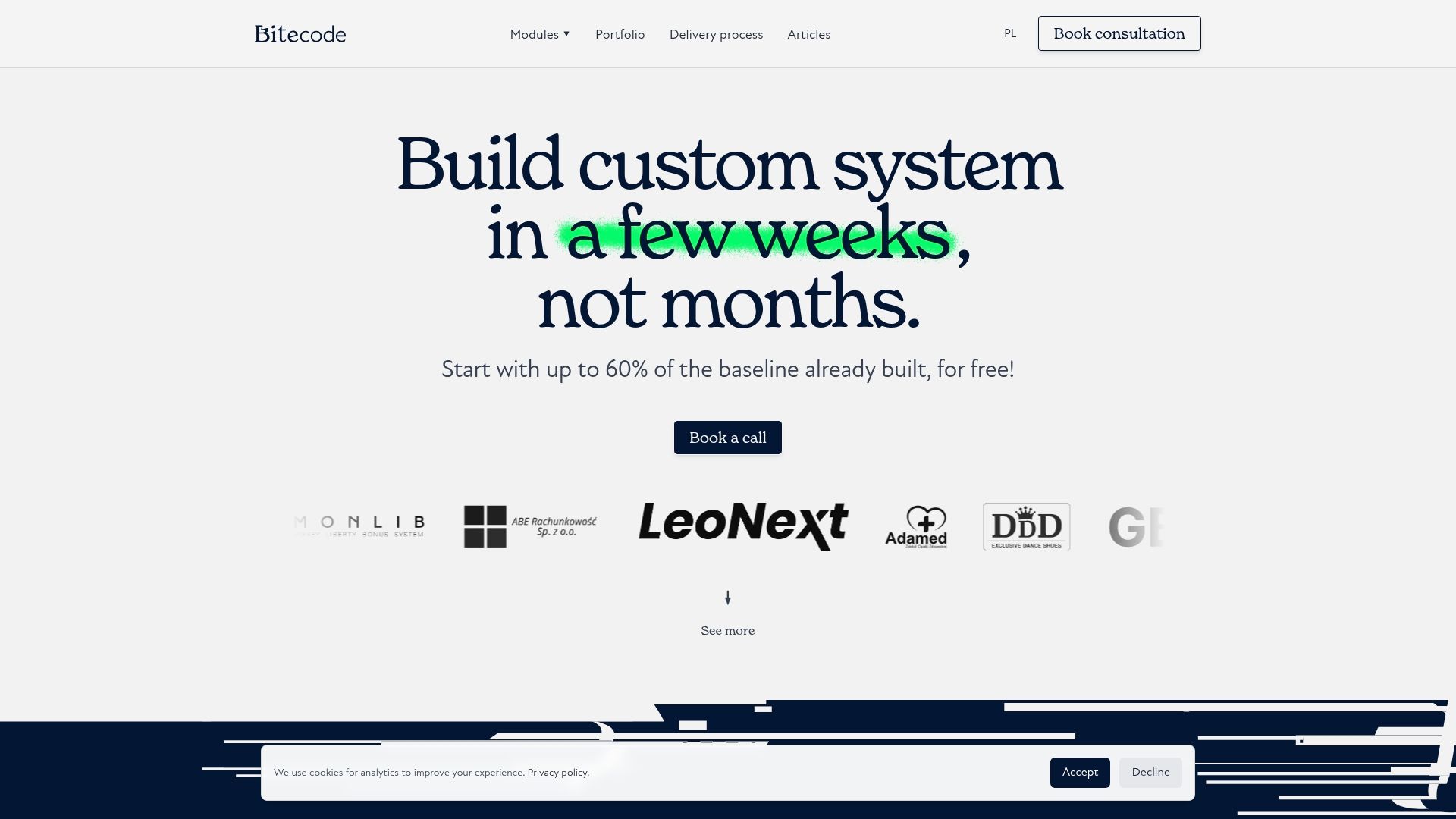
Bitecode.tech builds custom business software with up to 60% of the baseline system pre-built through modular, ready-made components, which means your team spends less time on boilerplate and more time on business-domain complexity. Whether you need business process automation to eliminate manual workflows, custom CRM solutions tailored to your sales and service processes, or an AI workflow assistant that integrates with your existing systems, the platform is designed to accelerate work without accelerating chaos. Reach out to explore how a modular foundation can support your selection criteria from day one.
Frequently asked questions
What are the most important requirements for business software selection?
Key requirements include functional, technical, integration, and non-functional needs, with automation and data flows prioritized to ensure the system can scale with future operational demands.
How do you avoid bias when selecting software vendors?
Use requirements-first evaluation and include niche vendors alongside incumbents rather than relying solely on analyst reports, which tend to favor established names over better-fit alternatives.
What is TCO, and why is it critical in software selection?
TCO stands for Total Cost of Ownership and covers licenses, implementation, integration, change, and run costs, giving teams an accurate financial picture that goes well beyond the initial license price.
Should PoC (proof-of-concept) always be included?
PoC for high-risk selections is essential for mission-critical deployments because it validates real-world performance in your environment, not just vendor-controlled demo conditions.
How does automation impact software selection?
Automation capabilities must be treated as a critical selection requirement rather than a secondary feature, since gaps discovered post-implementation are expensive and often require architectural rework to resolve.


