
Building enterprise applications rapidly without excessive engineering drain often stalls when low-code platforms sacrifice customization or cannot integrate with existing systems. Most solutions in this space either require lengthy vendor scoping calls for pricing or lock essential deployment options and advanced automation behind enterprise-only packages. This guide compares core features, deployment flexibility, and integration support for five enterprise low-code platforms so you can choose the right substitute for your custom workflow and security needs.
Bitecode
At a Glance
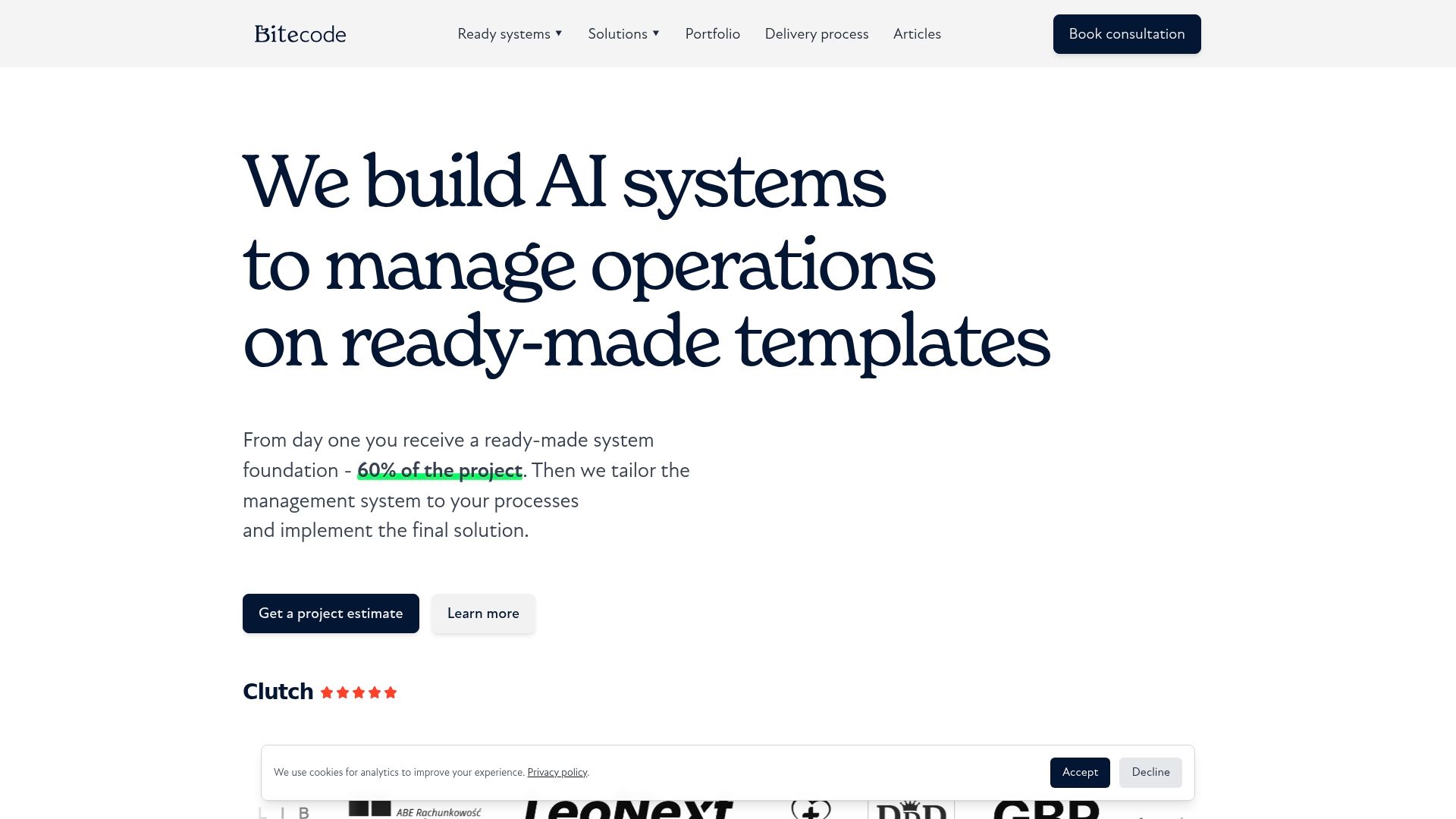
Bitecode reports it can deliver about 60% of the baseline system pre-built so projects start with a substantial foundation rather than from scratch. The vendor pitches this as a way to shorten delivery windows while keeping the remaining work highly customizable.
Core Features
Ready-made foundational templates get a large portion of a system live quickly. Customization and iterative extension adapt workflows to your processes. AI-powered automation handles document processing, email routing, request triage, and operational reporting. Integrations include CRM, ERP, and document management systems to preserve existing data flows.
Key Differentiator
A project begins with a largely finished backbone that your team can extend. That approach reduces initial engineering effort and shifts effort into tailoring AI workflows and business rules rather than rebuilding basic modules.
Pros
- Rapid first-phase delivery. Shipping a pre-built baseline cuts the initial build time and gets a usable admin surface in front of stakeholders faster.
- Strong automation focus. The platform targets operational workflows across sales, marketing, finance, and customer service so manual handoffs shrink and error rates fall.
- Integration-friendly. Built to plug into CRM, ERP, and document stores so you do not have to migrate core systems to adopt new management software.
- Iterative support model. Ongoing customization and evolution fit teams that want to refine rules and models after real-world use rather than lock scope up front.
- Open source foundation. OpenKnit provides a visible base for developers who need to audit or extend core application behavior.
Cons
- No published pricing. The company does not list fixed tiers so budget estimates require a discovery conversation with the vendor.
Who It’s For
Medium to large enterprises that need custom management software but want to avoid full ground-up builds. Best for organizations with complex workflows, legacy systems to integrate, and an appetite for embedding AI automation into operational processes.
Unique Value Proposition
That 60% figure changes how projects allocate budget. Instead of spending the first months rebuilding common modules you get a prewired baseline and use your budget to refine business rules, AI workflows, and domain logic that actually differentiate your product or internal tool.
Real World Use Case
A client used Bitecode to launch a blockchain-based loyalty token system while keeping their CRM untouched. Another engagement produced an internal booking app and an AI energy-savings reporting pipeline, showing the platform can combine token mechanics, bespoke workflows, and document automation.
Pricing
Bitecode does not publish standard plans. Pricing appears project-based and configurable according to scope, integrations, and AI components. Expect to request a quote and scope workshop to get a firm estimate.
Website: https://bitecode.tech
WaveMaker
At a Glance
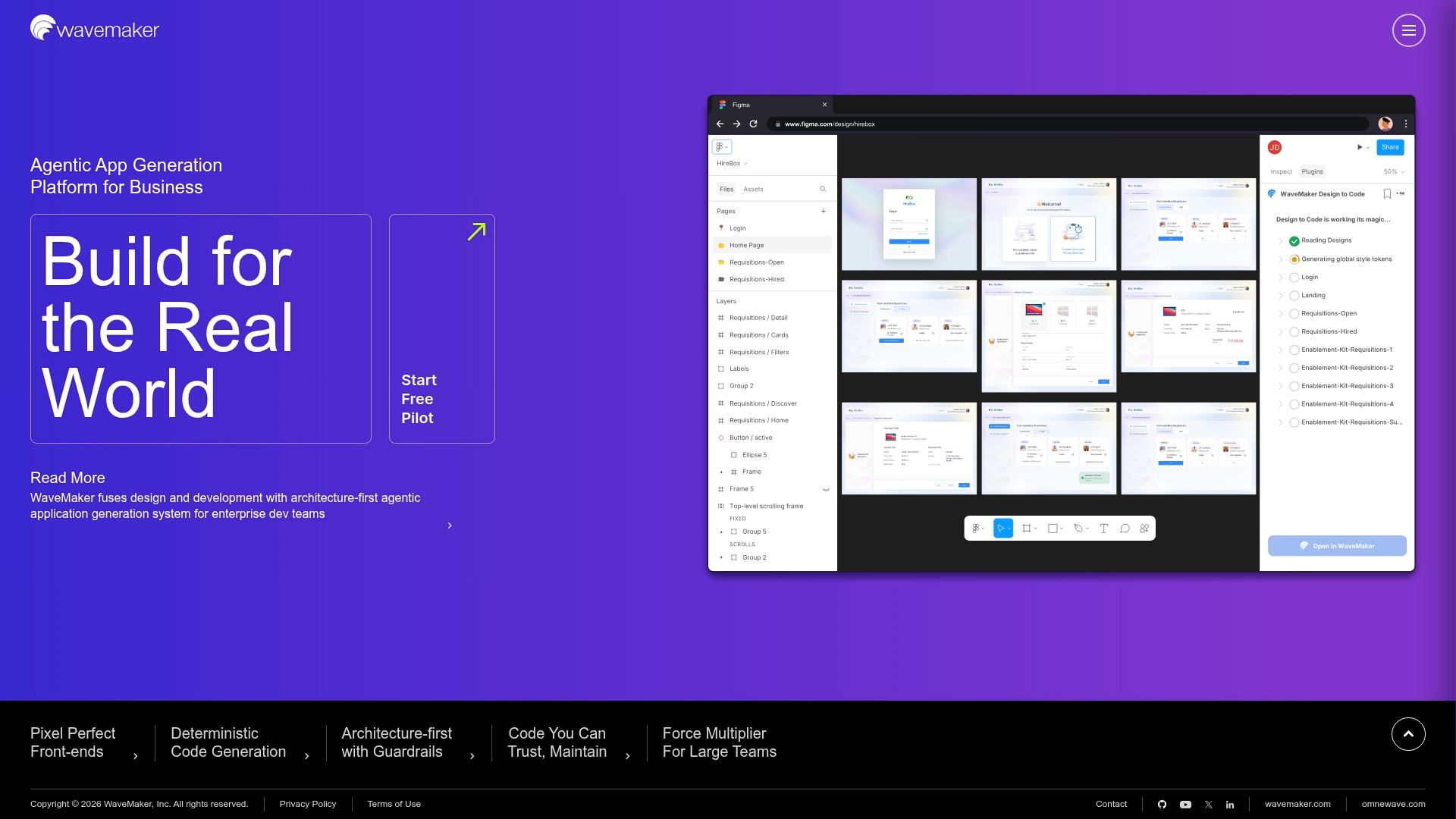
The Two Pass Coding System claims deterministic AI code generation while enforcing architecture guardrails for large projects. That architecture first approach ties AI output to an explicit design layer to keep generated code maintainable and auditable.
Core Features
Design to code automation pulls UI specs from Figma into working application scaffolds. A hybrid visual IDE lets developers review and edit generated code with human in the loop checks.
WaveMaker supports multi framework targets including Angular and React plus React Native for mobile. It adds API orchestration tools and governance capabilities for traceability across services.
Key Differentiator
WaveMaker pairs deterministic code generation with multi agent orchestration that enforces architecture rules during generation. This makes the platform suited to teams that need AI assistance without losing control of application structure and long term maintainability.
Pros
-
The Two Pass Coding System reduces random AI edits and produces repeatable code patterns that teams can audit and version control.
-
Design to Code automation accelerates front end scaffolding from Figma designs, cutting manual HTML and CSS wiring for typical screens.
-
Governance and traceability features give architects visibility into how AI agents produced specific modules and why a change was applied.
-
Multi framework output and API orchestration help teams targeting web and native clients from a single project definition.
-
Support and documentation aim at enterprise workflows which shortens ramp for development teams used to strict architecture rules.
Cons
-
Several user reports cite stability issues and occasional crashes with complex prototypes which interrupts development flow.
-
Mobile development documentation is thin which raises risk when teams attempt advanced React Native work without vendor support.
-
The platform can feel prescriptive and may constrain experienced developers who want full low level control over code patterns.
-
Per app licensing and enterprise oriented pricing can be costly for small teams or single project initiatives.
When It May Not Fit
If your team needs maximum coding freedom for bespoke frameworks then WaveMaker’s architecture first constraints will feel limiting. Expert developers who prefer handcrafted implementations will bump against the platform’s guardrails.
Small shops with a single low budget project will find the licensing model unattractive. The product is oriented to governed, multi team rollouts rather than hobby or proof of concept builds.
Who It’s For
Large enterprise development teams and architects who must deliver scalable, secure applications while retaining architectural compliance. Best where governance, audit trails and predictable AI output matter for regulatory or operational reasons.
Real World Use Case
According to the vendor, a major telecom provider used WaveMaker to modernize several 5G enabled applications and reported a material reduction in development time while meeting security requirements. That deployment illustrates the platform handling multi service orchestration and enterprise governance.
Pricing
Pricing is not publicly specified and appears enterprise oriented with licensing options per application. Expect procurement level discussions rather than self service sign up for small projects or startups.
Website: https://wavemaker.ai
WEM No-Code Enterprise Development & Agentic AI Orchestration Platform
At a Glance
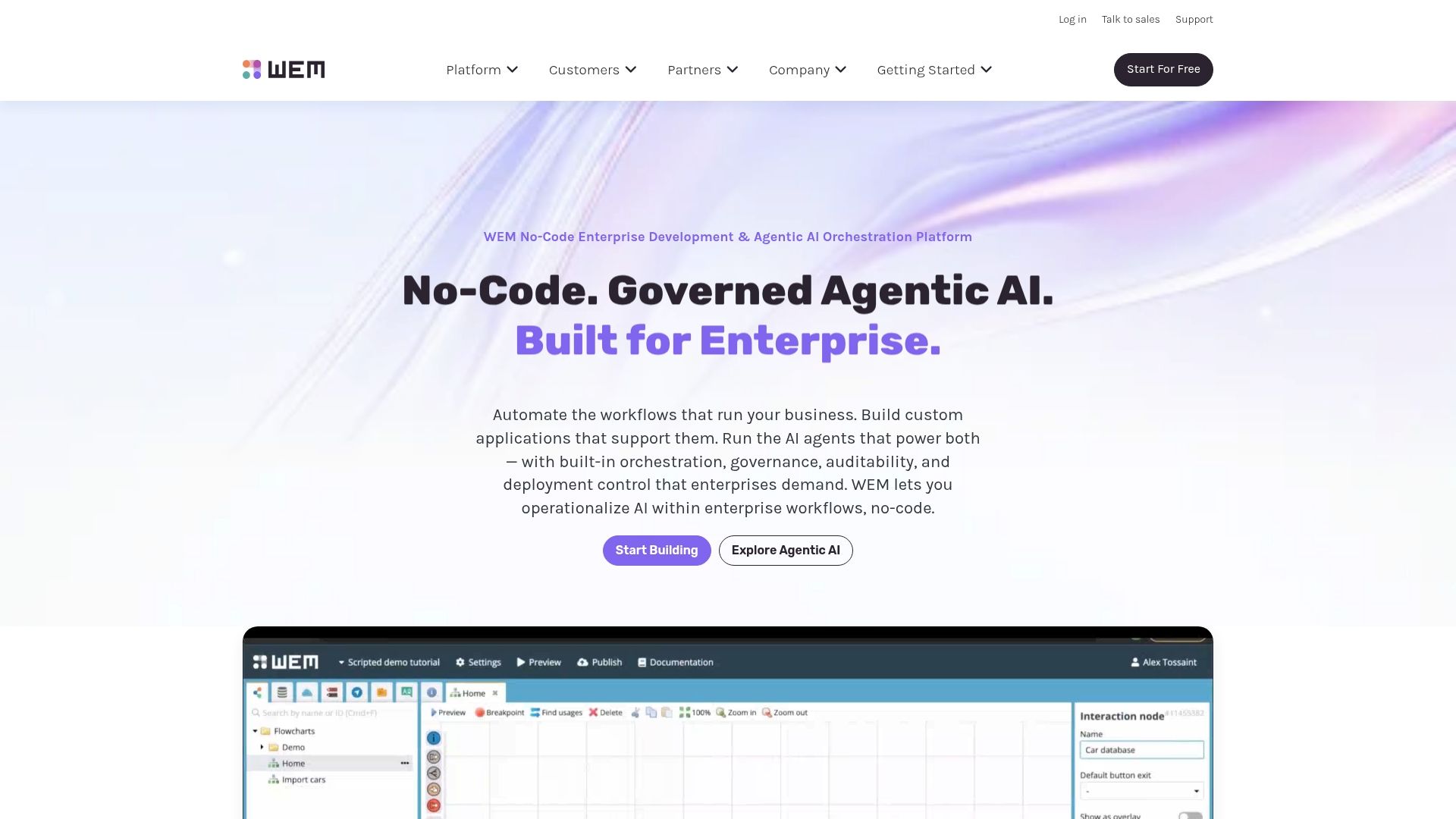
Orchestrates agentic AI using a micro-agent architecture inside a governance-first no-code environment. The product pairs visual app building with an emphasis on auditability and enterprise security across on-premise and public cloud deployments.
This positioning makes it practical for teams that need governed AI in production, not just experiments.
Core Features
- No-code visual application development environment for building forms, processes, and UIs without writing code.
- AI agent orchestration with micro-agent architecture plus a drag-and-drop AI workflow builder for multi-agent collaboration.
- Built-in governance, security, and compliance including audit trails and enterprise identity support.
- Secure system integration via open standards such as REST, SOAP, and OData.
Key Differentiator
The standout angle is enterprise-grade AI governance combined with no-code orchestration. WEM focuses on giving teams policy controls, auditability, and traceability for agentic workflows so organizations can run AI-driven processes under monitored rules and compliance guardrails.
That single focus narrows the audience but answers a practical enterprise need.
Pros
- Rapid prototyping becomes achievable for business teams because the visual builder reduces handoffs between business and IT.
- Strong process automation and business modeling features let you capture complex workflows without bespoke engineering.
- The architecture scales for enterprise rollouts, supporting both cloud and on-premise deployment patterns.
- Security and compliance features reduce compliance friction for regulated sectors, with auditability built into workflows.
- AI integration is supported with governance in mind, which helps when you need traceable decision automation rather than ad hoc experiments.
Cons
- Some users report slow support response times, which can slow down production fixes or complex onboarding.
- Documentation gaps and occasional bugs have been cited and can increase reliance on vendor or third-party consultants.
- Certain integrations have complex setup paths that require technical expertise, adding time and cost to initial projects.
- Enterprise deployments can be relatively costly compared with simpler low-code offerings for small teams.
When It May Not Fit
If you run a small team or a single product that needs a lightweight builder, WEM may be overkill and more expensive than necessary. If you need an out-of-the-box simple app with minimal integration work, a lighter low-code tool will be faster to deliver.
Organizations without internal integration expertise should budget for vendor services or a systems integrator when taking on complex connectors.
Notable Integrations
- REST APIs
- SOAP
- OData
- OAuth 2.0 and SAML for identity
- GitHub for source management
- Salesforce and SAP for enterprise data connectivity
Who It’s For
Mid to large enterprise IT teams, business process managers, citizen developers, and in-house AI practitioners who need a governed platform for building and automating mission critical processes. It fits organizations that require audit trails, identity controls, and the option to deploy on-premise.
Real World Use Case
The vendor describes a healthcare provider modernizing patient onboarding and administrative workflows using WEM’s visual tools and AI agents. The project reduced manual data entry and error rates while keeping audit records for regulatory review.
That example illustrates the platform’s focus on compliance and operational risk reduction rather than pure prototyping speed.
Pricing
Not specified and typically sold as enterprise SaaS with pricing based on deployment size, feature set, and support level. Expect vendor engagement for a tailored quote and budget planning for integration and governance services.
Website: https://wem.io
Procify
At a Glance
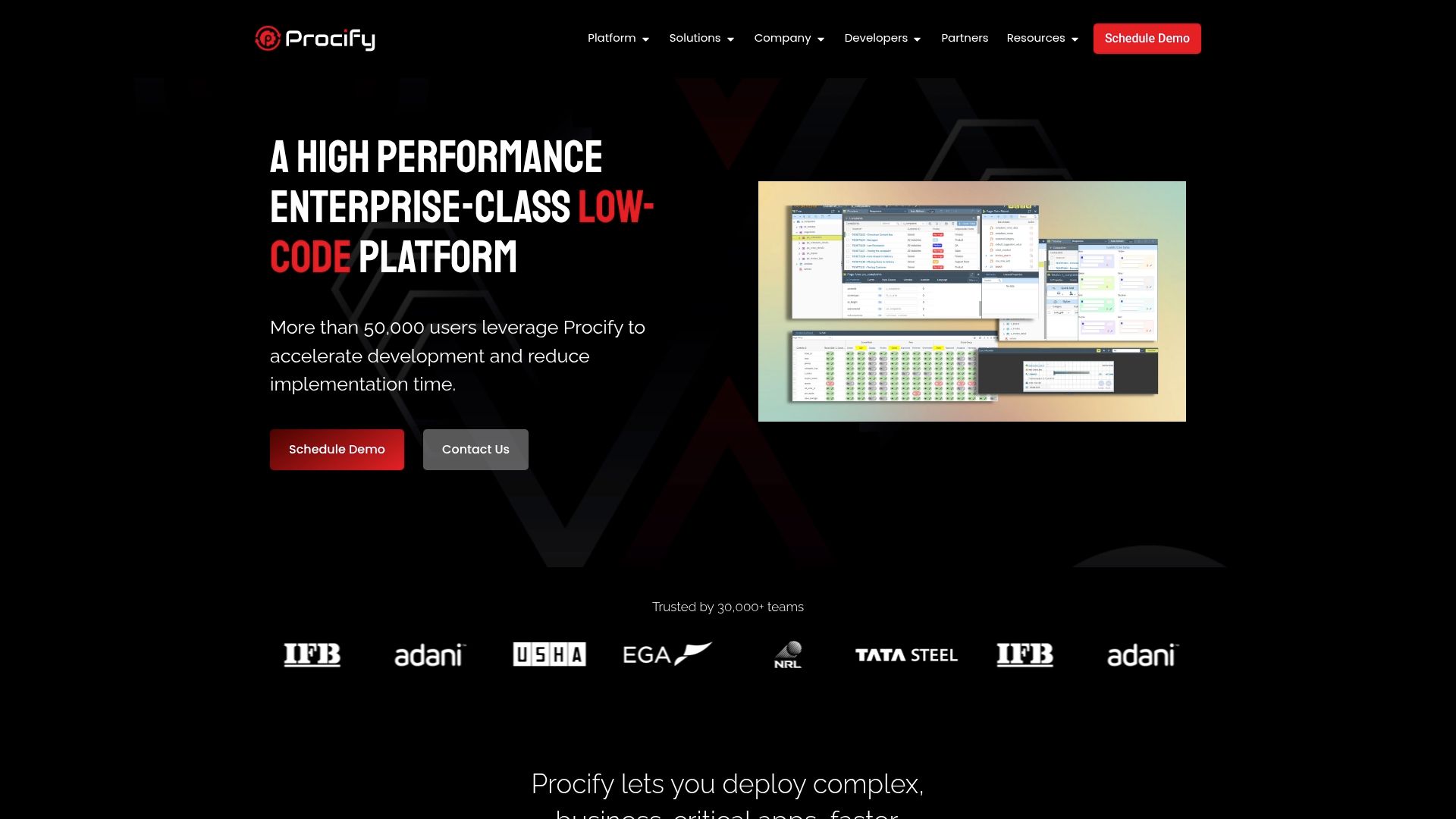
The vendor reports being trusted by over 30,000 teams worldwide, a figure the company uses to position Procify for enterprise scale deliveries. The platform combines a single app model for web mobile and tablet with a visual designer and options for cloud or on premise deployment.
Core Features
- Single model that runs on web mobile and tablet so you build once and deliver everywhere.
- Visual drag and drop interface for rapid UI assembly without hand coding for common screens and forms.
- API first approach for straightforward integration with third party systems and existing back ends.
- Choice of cloud or on premise deployment plus enterprise class security and high availability for critical workflows.
Key Differentiator
Procify centers on a unified low code model that supports complex enterprise apps while keeping the design surface visual. That focus makes it a better choice for teams who need to build custom workflows and control deployments instead of assembling prebuilt modules. Bitecode, by contrast, emphasizes modular ready made components and starting projects with a large portion of the baseline pre built.
Pros
- Intuitive for nondevelopers so product owners and business analysts can prototype quickly with less engineering time. Visual drag and drop interface accelerates handoff.
- Handles complex workflows and integrations required for enterprise class apps rather than limiting you to simple forms.
- Deployment flexibility helps organizations that need on premise installations for compliance or low latency. Cloud and on premise options cover both scenarios.
- Good support and community resources reduce ramp time when teams scale or run into edge case requirements.
Cons
- Some customers report occasional synchronization issues when connecting to legacy systems which can add troubleshooting overhead.
- Notification and reporting capabilities are less mature than the core app builder so you may need additional tooling for analytics and alerts.
- Advanced features require training for product teams that want to use the full surface of the platform which adds initial cost and time.
When It May Not Fit
If you need out of the box reporting or built in notification workflows that require no customization Procify may not be the fastest route. Teams that cannot budget for a short training program or that demand guaranteed zero sync issues with older enterprise systems should consider alternatives with tighter packaged integrations.
Who It’s For
Enterprise development teams process managers and technical staff that must deliver business critical apps quickly while retaining control over deployment and security. Best suited when you have integration points to ERP or legacy systems and a small training budget for platform adoption.
Real World Use Case
A manufacturing firm used Procify to build an asset management app that integrates with its ERP so field technicians can access maintenance histories offline and update work orders on site. The app reduced manual paperwork and sped repair cycles because data flowed back to the central system once connectivity returned.
Pricing
Pricing information is not provided in the supplied data and is listed as not applicable for this entry. For enterprise deployments contact Procify directly to request a quote and deployment options.
Website: https://procifynow.com
nAxiom
At a Glance
Built by OPTeam S.A., a vendor the company says has operated in IT for nearly 40 years, nAxiom emphasizes visual low-code development with both cloud and on-premise deployment options. The platform bundles a visual builder, workflow engine, and document tools aimed at enterprise and public sector use.
Core Features
- Drag & Drop visual application building for forms, screens, and flows.
- Reusable components and templates to cut repeat work during rollout.
- Workflow Manager automation engine for multi-step process orchestration.
- Document processing toolset for capture, validation, and archival.
- Data Modeler EXPO interface for graphical data modeling and schema design.
Key Differentiator
nAxiom’s value is its visual first approach paired with extensive prebuilt modules, letting nondevelopers deliver business apps without heavy engineering effort. Compared with Bitecode, nAxiom skews toward traditional enterprise and public institutions that need on-premise options and strong IT integration rather than a marketplace of AI or blockchain starter modules.
Pros
- Rapid application delivery. The visual builder plus templates shortens prototype to pilot cycles for internal apps and departmental tools.
- Low developer dependency. Non-technical staff can adjust forms and flows, which reduces backlog for central engineering teams.
- Modular tooling. Having Workflow Manager, Document Manager, and the Data Modeler in one stack simplifies handoffs between business analysts and IT.
- Flexible deployment. Cloud or on-premise choices suit organizations with strict data residency or compliance needs.
Cons
- Complex integrations may need developer work. Third-party reviews suggest very large data migrations or bespoke connectors sometimes require professional support.
- Advanced features have a learning curve. Power users typically invest time to master the platform’s advanced modeling and automation capabilities.
- Performance depends on implementation. Very large datasets or highly complex process graphs can require optimization and tuning by IT teams.
When It May Not Fit
If you need an out-of-the-box lineup of AI assistants or blockchain modules for a new SaaS product, nAxiom’s enterprise integration focus may feel narrow. Also skip it if your primary requirement is a no-training, consumer-facing low-code studio for rapid external SaaS launch; the platform favors governance and integration over plug-and-play public features.
Who It’s For
Mid-size to large organizations, government agencies, and educational institutions that require governed, auditable application builds and tight integration with legacy systems. Good for teams that want citizen developers to deliver internal tools while keeping IT in control of deployment and security.
Real World Use Case
A university replaced paper-based student records with an automated student record management system built on nAxiom. The project linked existing academic systems, automated approvals, and provided role-based access while remaining on the institution’s preferred infrastructure.
Pricing
Pricing is not listed publicly. The vendor asks prospects to contact sales, which aligns with an enterprise low-code commercial model where scope, deployment, and support drive the quote.
Website: https://naxiom.com
Comparative Analysis of Enterprise Low-code Platforms
In this section, we analyze prominent low-code platforms to assist enterprises in selecting the solution that meets their requirements. Let’s break down some key insights.
Pre-built Foundations and Integration Options
Bitecode stands out with its pre-built foundational templates that allow rapid initial deployment of systems while redirecting resources towards customization and advanced AI-powered automation. In contrast, WaveMaker emphasizes structured code integrity with its Two Pass Coding System, ensuring maintainability over time, which is advantageous for long-term use cases requiring architectural governance. nAxiom, designed with clear modular tooling, facilitates adaptable workflows but leans heavily on technical expertise for integrating complex systems, potentially delaying implementation.
AI Capabilities and Automation
When considering built-in automation, Bitecode’s focus on AI-driven processes such as document handling and request management directly aligns with operational optimization. Meanwhile, WEM excels in governed agentic AI, providing traceable workflows suitable for compliance-sensitive industries. However, some users of WEM have reported delays in support response, which might impact projects under tight deadlines.
Deployment Flexibility and Governance
Organizations requiring on-premise hosting due to regulatory standards will find options such as Procify and nAxiom advantageous due to their deployment model flexibility. Bitecode, on the other hand, specializes in integration with existing CRM, ERP, and document systems, accommodating enterprises invested in retaining legacy infrastructures without introducing disparate tools.
Best Fit Recommendations
- Organizations needing a significant starting point for AI-enhanced management systems are best served by Bitecode, where foundational readiness and adaptability reduce build time.
- Teams that prioritize strict code governance and multi-framework compatibility should evaluate WaveMaker for its advanced deterministic code generation.
- Enterprises focused on process automation within secure, auditable, and governed environments can leverage WEM for its compliance-centric capabilities.
- Those desiring simplicity in workflow creation while retaining an emphasis on legacy system adaptability might prefer Procify and nAxiom.
Our Pick
Bitecode is an excellent choice for enterprises seeking to accelerate deployment with extensive pre-built modules while customizing critical workflows with minimal disruption. However, if your organization requires firmly governed AI workflows with designated compliance oversight, other platforms such as WEM may better satisfy these specific needs because their strength lies equally in their governance-focused and low-code capabilities.
Enterprise Low-Code Platforms Comparison
Compare enterprise low-code platforms based on their foundations, customizability, and suitability for different organizational needs.
| Product | Core Feature | Key Differentiator | Best For | Notable Limitation | Pricing |
|---|---|---|---|---|---|
| Bitecode | High reusability with pre-built templates and AI automation | Pre-built 60% foundation for quick project initialization | Medium to large enterprises with intricate workflows | No publicly available pricing details | Not disclosed |
| WaveMaker | Deterministic AI-driven multi-framework coding system | Two Pass Coding System for maintainable AI-generated code | Enterprise IT teams ensuring architectural compliance | User-reported stability issues | Not disclosed |
| WEM No-Code Platform | No-code development with enterprise AI orchestration | Focus on AI governance within no-code workflows | Regulated sectors requiring compliance and auditability | Extended support response times reported | Not disclosed |
| Procify | Unified app model for multiple device compatibility | Single model allowing deployment across web, mobile, and tablet | Teams needing flexibility in deployment | Occasional synchronization issues with legacy systems | Not disclosed |
| nAxiom | Visual application building with reusable components | Focused on enterprise integration and modular workflows | Mid-sized to large enterprises with legacy system demands | Complex integrations might need advanced developer resources | Not disclosed |
Discover a Faster, Smarter Alternative to itcraftapps.com with Bitecode
Choosing the right platform for custom software can feel overwhelming. The article highlights key challenges like lengthy development times and costly ground-up builds that many face when searching for itcraftapps.com alternatives. Bitecode stands out by delivering up to 60% of your system’s baseline pre-built, giving you a head start and letting you focus your budget on AI-driven automation, blockchain integration, and workflow refinement.
Ready to cut down development time and avoid reinventing common modules? Visit Bitecode.tech to explore how their modular, low-code platform empowers medium to large organizations with scalable, secure custom enterprise solutions. Take a look and book a demo to see how you can launch tailored software faster while keeping full control over integrations and business rules.
Frequently Asked Questions
How does Bitecode improve project delivery time for enterprises?
Bitecode significantly cuts initial build time by providing about 60% of the baseline system pre-built, allowing projects to start from a substantial foundation rather than from scratch. This approach enables faster delivery of a usable admin surface to stakeholders and shifts focus towards customizing workflows and AI automation. Enterprises looking for reduced delivery windows should consider implementing Bitecode.
What is the difference between Bitecode and WaveMaker in terms of code generation?
WaveMaker excels with its Two Pass Coding System, ensuring deterministic AI code generation while maintaining architectural compliance, which is ideal for teams requiring strict control over application structure. Bitecode, conversely, is better suited for enterprises that prioritize rapid first-phase delivery with a largely finished project backbone, allowing them to allocate more resources to refining AI workflows and business rules. Teams should choose based on whether they value rapid deployment or adherence to architectural standards.
Can I use Bitecode if my organization has complex workflows and legacy systems?
Yes, Bitecode is tailored for medium to large enterprises with intricate workflows and the need to integrate legacy systems. Its integration-friendly nature, supporting CRM, ERP, and document management systems, ensures that existing data flows are preserved while adapting to new management software. Organizations looking for an adaptable solution should explore Bitecode’s capabilities.
Does WaveMaker support multiple frameworks for web and mobile development?
Yes, WaveMaker supports multiple frameworks, including Angular, React, and React Native, which allows teams to target both web and native clients from a single project definition. This feature enhances flexibility for teams working across different platforms, but for those prioritizing rapid deployment and less complex architecture, Bitecode could be the better fit.
What are the expected costs involved when using Bitecode?
Bitecode does not publish standard pricing tiers, as its pricing appears project-based and configurable according to scope, integrations, and AI components. Enterprises should anticipate a discovery conversation with Bitecode to obtain a customized quote and budget estimate that aligns with their project requirements.


